Reel Maker for Musicians
One song in, seven finished vertical clips out — each a different angle on the same track, each cut around the seconds it actually hits. Plus captions per platform and a plan for what to post on which day.
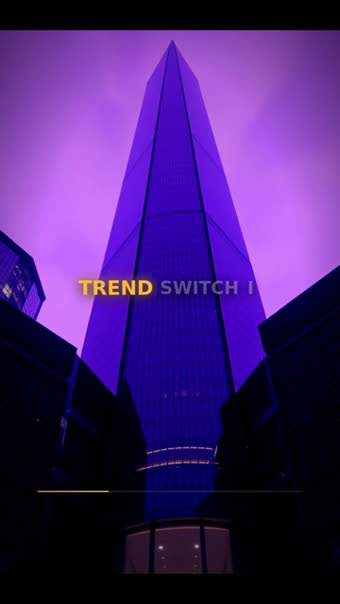
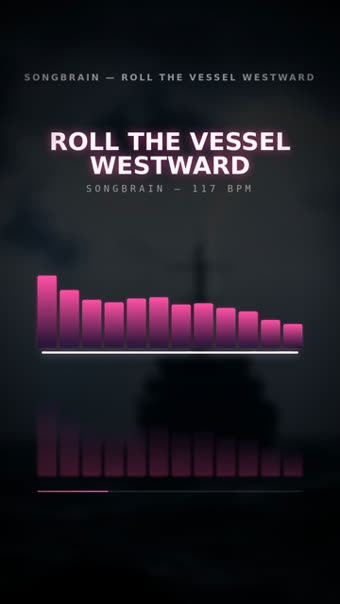

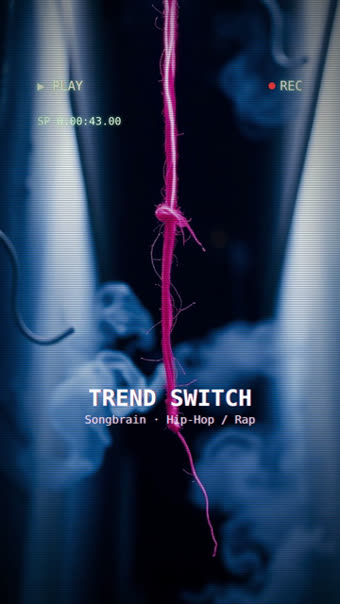
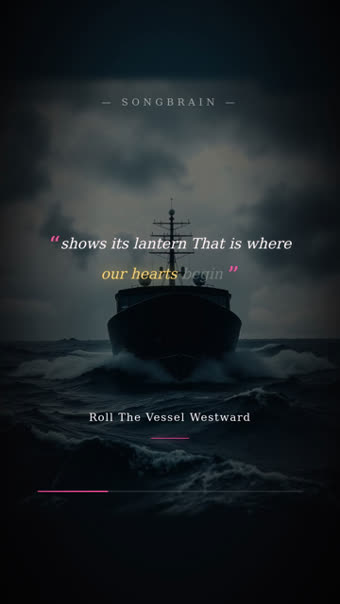
Why one clip per song is the mistake
Most artists cut one clip, post it, and treat the result as a verdict on the song. It is not — it is a verdict on that one angle. The same track packaged as a lyric quote, a sound-flex and a teaser can perform completely differently, and you only find out by posting more than one.
That is the reason the analysis renders a set rather than a single video: seven distinct formats around the same song, ready at once, so testing costs you nothing but the posting.
The 2-week plan then spaces them out — teaser first, the release post in the middle, the on-repeat angle at the end — with day, platform and time for each, so you are not deciding at 11pm what to post.
The seven angles, and when each goes out
| Angle | The look it uses | Where it sits in the two weeks |
|---|---|---|
| Teaser | VHS Teaser | Before the release — short, unresolved |
| Lyric quote | Lyric Quote | Early — the line people screenshot |
| Hook tease | Kinetic Words | Just before the drop date |
| THE RELEASE POST | Storyboard | Release day, the centrepiece |
| Sound-flex | Spectrum | After release — for the ears, not the eyes |
| Energy | Terminal | Mid-run, when the first wave flattens |
| On-repeat | Vinyl / Now Playing | End of the run — the loop that keeps playing |
Which 15 Seconds of Your Song Should You Post on TikTok? (Not the Intro)
Why the set is cut around the song's strongest moments: the three things a clip needs, the moments played back on a real song, which of the reels sits on which one, and the teaser trick.
Click to load the player from YouTube (no-cookie mode). Your IP address is then sent to Google — details in our privacy policy.
What one upload returns
7 finished 9:16 clips
Different formats, same song — typography, cover art, waveform, teaser and story looks. The first ones are ready when your results open.
Cut around your strongest seconds
The analysis finds where the track peaks and the clips open there, instead of on the intro nobody waits through.
Captions and hashtags per platform
TikTok, Instagram Reels and YouTube Shorts each get their own caption and hashtag set — copy, paste, post.
A 2-week posting plan
Which clip, which day, which platform, what time — and you can mark posts as done to keep track of the run.
How the set gets made
MP3 or WAV, 30 seconds minimum, no account needed for the first run.
Score, moments, lyrics and genre come back in about a minute; the clips render alongside.
Grab the MP4s, take the caption for the platform you are posting to, follow the two-week schedule.
Questions about the reel set
On the free plan, yes — a small Songbrain watermark, in 720p. Premium exports the same clips clean, in 1080p.
Short-form length, cut around the strongest moment of your song — long enough to carry the hook, short enough to loop.
No. Instrumentals get the visual formats; songs with vocals additionally get the lyric-driven ones, timed word by word from the audio.
Yes — there is an archive of extra templates (graffiti wall, now-playing, text-message, karaoke, receipt) that Premium accounts can render on demand for the same song. And on any plan, one click turns the song into an AI video — 8 scenes directed from your lyrics, cut on the beat — for 350 credits.
Yes. Suno and Udio tracks behave like any other upload. Uploading another artist's commercial release does not work — the copyright check blocks video generation on those.
If you only need one clip
One song, two weeks of posts
Seven ready-to-post clips, captions per platform and a day-by-day plan — from a single upload, free, in about a minute.
Get My 7 Reels — Free →