Free Lyric Video Maker
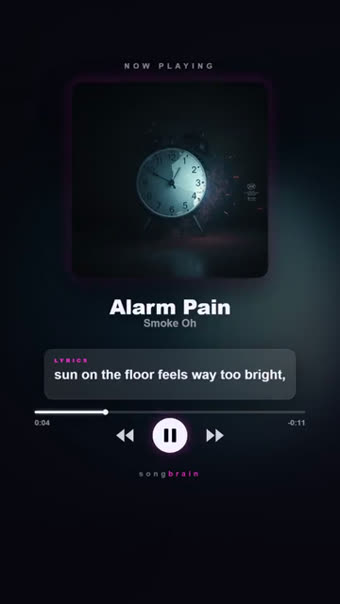
Drop your song in. The vocal is transcribed with word-level timestamps, so every line appears on the beat it is actually sung on — no typing lyrics, no dragging keyframes. You get finished 9:16 lyric videos, not a project file.
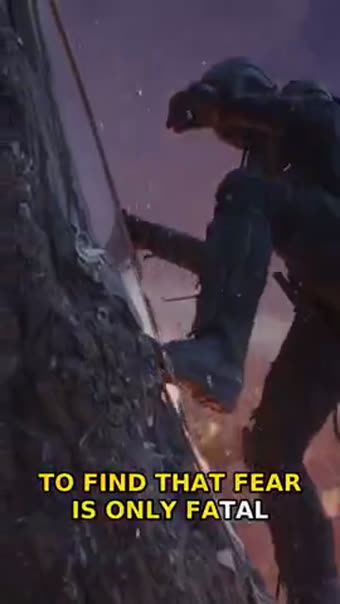
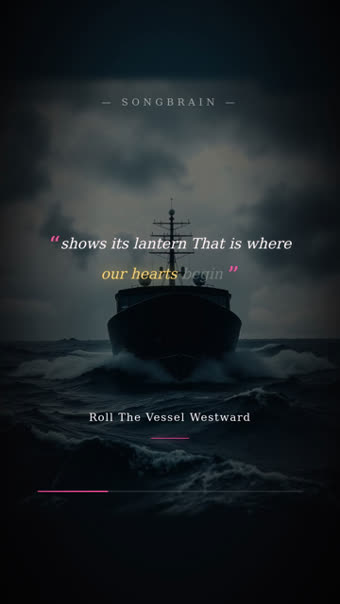
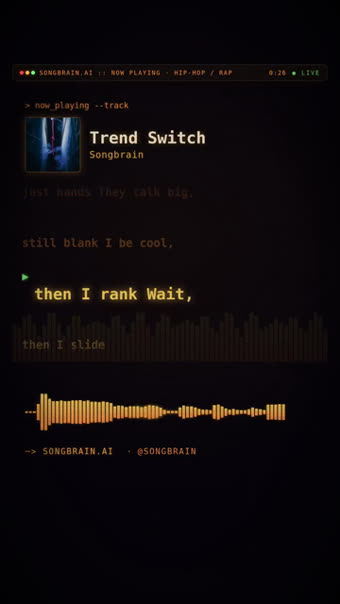
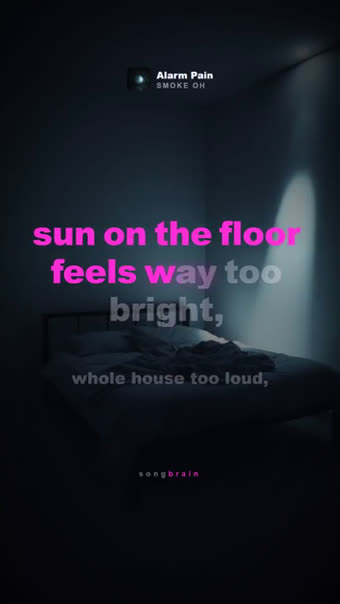
Why the timing is the whole job
Every lyric video tool asks you for two things: the words, and when each word happens. Typing the words is annoying; timing them is the part that eats an evening. Nudge a line 200 ms and the whole video reads as amateur — the eye notices the mismatch long before the brain names it.
Songbrain skips both steps. The vocal is transcribed straight from your audio with word-level timestamps, so the line changes when the singer changes it. If the transcription misreads a word, that is a text fix — not a re-timing job.
The clips are also cut where the song is strongest, not from 0:00. Most tracks bury their best seconds 20+ seconds in, and a lyric video that opens on the intro throws away the part people would have stayed for.
Where automatic lyric timing gets hard
| Case | What goes wrong | What happens here |
|---|---|---|
| Heavy autotune | Transcribers hear vowels, not words | Words land, spelling may need a fix — timing stays correct |
| Stacked harmonies | Two vocal lines compete for the same second | The lead line wins; backing ad-libs are dropped rather than doubled |
| Whispered / low-mix vocals | Whole lines go missing | A second pass on an isolated vocal runs when the first pass comes back thin |
| Non-English lyrics | Confident nonsense in the wrong language | Transcribed in the language sung; you correct words, never timings |
| Instrumental | Nothing to time | Lyric looks are skipped, the visual formats render instead |
What comes back
Word-level sync from your audio
The vocal is transcribed with per-word timestamps, so lines land with the delivery — including held notes and fast runs.
Several lyric looks, not one template
Kinetic typography, a held lyric quote, a terminal type-out, a spinning-cover look — same song, different feel, so you can post more than once.
Your cover art, your colours
The palette is derived from your own cover and the song's mood, so the video looks like your release instead of a stock template.
Captions and a posting plan
Every video comes with captions and hashtags per platform, plus a 2-week plan that says which one to post on which day.
From upload to finished lyric video
MP3 or WAV, full track, 30 seconds minimum. No lyrics file needed — the words come out of the audio.
The vocal is transcribed with word timestamps while the analysis finds the seconds your song hits hardest.
The first clips are ready when your results open; the rest follow. Download the ones you want as MP4.
Questions about lyric timing
No. The lyrics are transcribed from your audio with word-level timestamps. You can correct a misheard word afterwards — you never have to time anything by hand.
Then the lyric looks are skipped and you get the visual formats instead — spectrum, cover-art and teaser styles cut to your strongest moment.
Vertical 9:16 MP4, sized for TikTok, Instagram Reels and YouTube Shorts — 720p with a small Songbrain watermark on the free plan, clean 1080p on Premium. If you need a 16:9 lyric video for a YouTube upload, the YouTube kit renders LyricFlow in landscape at full song length: the preview is free, the 1080p video is free on Premium or 150 credits otherwise.
Your first song's analysis and reel set are free and need no card. Extra template looks are Premium, and the AI video — real scenes from your lyrics with karaoke lyrics on top — costs 350 credits on any plan. Nothing you need for a lyric video sits behind either.
No. You confirm you own the rights or have permission at upload, and tracks that match a commercial release by another artist are blocked from video generation.
If you need more than lyrics
Your words, on the beat
Upload once and the lyric videos come back timed to the vocal, cut around your best moment, with captions ready. Free, about a minute, no card.
Make My Lyric Video — Free →