Music Visualizer for Your Track
A visualizer only works when it moves with the music — not with a generic animation loop. Yours is rendered from the analysed audio: the beat grid drives the motion, the palette comes from your cover, the clip starts on your strongest second.
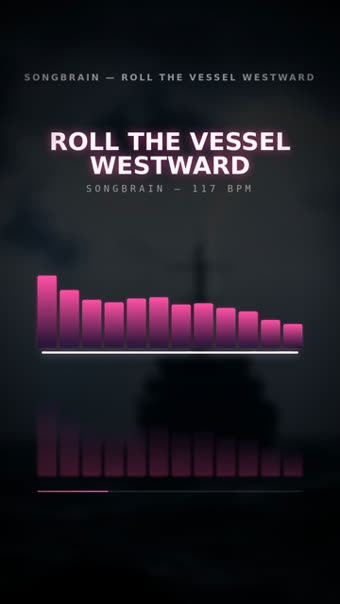
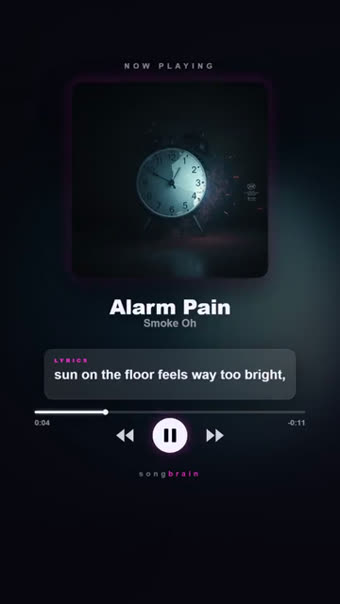
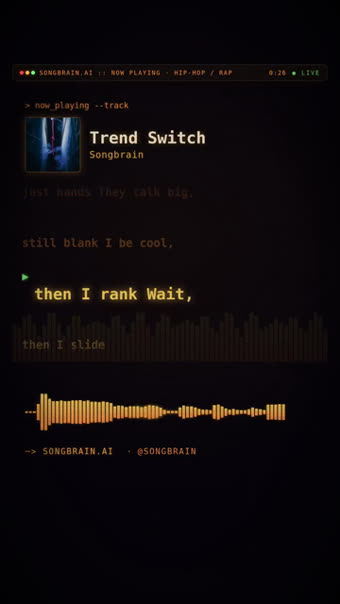

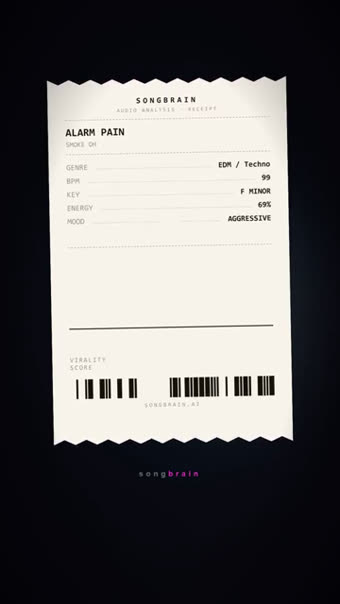
Beat-driven, not loop-driven
The cheap version of a visualizer is a looping animation with your audio pasted underneath. It reads as filler within a second, because nothing on screen agrees with what you are hearing.
Here the beat positions come out of the audio analysis, so the motion changes when the track changes. The same analysis supplies the tempo, the structure, the strongest moment to open on, and — from your cover art and the song's mood — the colour palette.
For an instrumental release this is often the only video you need: it needs no lyrics, no footage and no face, and it exists for every track.
Which format goes where
| Format | Aspect | Where it belongs |
|---|---|---|
| Spectrum, Now Playing, Terminal | 9:16 vertical | TikTok, Instagram Reels, YouTube Shorts |
| Visualizer (bars) | 16:9 landscape | The full-length upload on your YouTube channel |
| OrbitPulse | 16:9 landscape | YouTube — radial motion around the artwork |
| LyricFlow | 16:9 landscape | YouTube, when the track has lyrics worth reading |
What the visualizer gives you
Motion that follows the audio
Bars, pulses and transitions sit on the measured beat grid rather than on a fixed animation cycle.
Your artwork, your colours
The palette is derived from your own cover and the mood of the track, so the visualizer looks like the release it belongs to.
Vertical and landscape
9:16 clips for TikTok, Reels and Shorts; 16:9 designs — Visualizer, OrbitPulse, LyricFlow — for a YouTube upload.
Starts on the strongest second
The clip opens where the analysis says the song peaks, not at 0:00 where the build has not happened yet.
How the motion is built
MP3 or WAV, 30 seconds minimum. Instrumentals are fine — this format needs no vocals.
The analysis extracts the beat grid, the sections and the moments where the track hits hardest.
Vertical versions come with the free set; the landscape YouTube designs render from the same result.
Questions about visualizers
The motion is built on the beat grid and structure the analysis measured in your file, so it moves with your track rather than on a generic loop.
No. The spectrum and cover-art looks exist for every track, which is why they are the default choice for instrumental releases.
Yes — the YouTube kit renders 16:9 designs (Visualizer, OrbitPulse, LyricFlow) from the same analysis, alongside a title, description and tag set for the upload. Previews are free; the full-length 1080p video is free on Premium and 150 credits per design otherwise.
MP4 files you download and upload yourself. The vertical clips are 720p with a small Songbrain watermark on the free plan, clean 1080p on Premium.
The analysis runs in about a minute and the first vertical clips are ready when your results open.
Where to put the visualizer
A visualizer that moves with the song
Beat-locked motion, your artwork's palette, opening on your strongest second — vertical and landscape. Free, about a minute.
Make My Visualizer — Free →