YouTube Shorts Maker for Songs
Shorts is the one short-form feed that also feeds a catalogue: a clip can send people to the full upload. You get the vertical clips cut to your song's strongest seconds — and the title, description and tags to publish them with.
Shorts is a discovery feed with a back door
On TikTok a good clip earns you a view. On YouTube it can earn you a subscriber, because the Short sits on a channel that also holds the full track — which is exactly why musicians who ignore Shorts leave the cheapest catalogue traffic on the table.
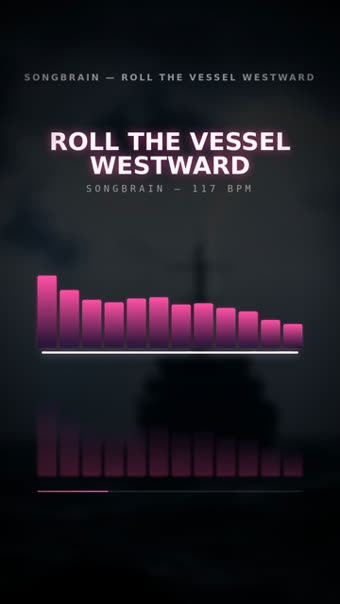
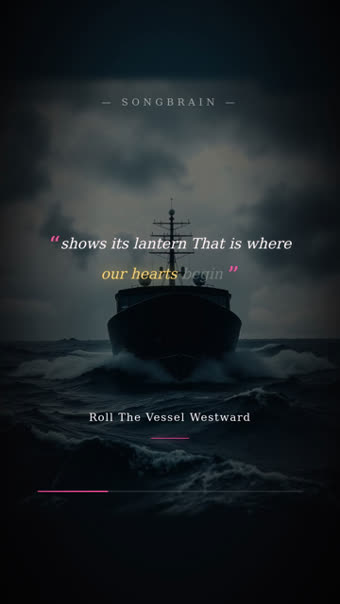
The clips are the same beat-synced 9:16 renders the analysis produces for every song, cut around the seconds it actually peaks. What is specific to YouTube is the packaging: a Shorts-appropriate caption, and a title, description and tag set for the upload itself.
If you want a full-length video on the channel too, the same analysis renders landscape designs — a visualizer, a radial pulse look and a lyric-flow look — from the audio it already measured.
Shorts, Reels and TikTok are not the same post
| YouTube Shorts | Instagram Reels | TikTok | |
|---|---|---|---|
| What it can send people to | Your full upload and channel | Your profile and link | Your sound page |
| Caption length that works | Short — the title does the work | Medium, hashtags matter | Short, hook in the first line |
| What the caption should do | Name the song and the channel | Give the post a reason | Set up the hook that follows |
| Discovery lives on | Search and suggested | Explore and shares | The For You feed |
What you get for the channel
Vertical clips ready for Shorts
9:16 MP4s cut around your strongest moment, in several looks so you can post more than once from one song.
Title, description and tags
An upload kit for the YouTube side: what to call it, what to write underneath, which tags to use — copy and paste.
Landscape designs for the channel
Visualizer, OrbitPulse and LyricFlow in 16:9 for the full-length upload. Previews are free; the 1080p video is free on Premium, 150 credits per design otherwise.
A plan across platforms
The 2-week posting plan covers Shorts alongside TikTok and Reels, with its own caption per platform.
From song to published Short
MP3 or WAV, 30 seconds minimum, no account for the first run.
Strongest seconds, structure, lyrics with word timings, tempo and mood — all measured from your audio.
Download the vertical clips, take the caption, and use the title/description/tags for the full upload.
Questions about Shorts for musicians
Yes — vertical 9:16 MP4s, short-form length, which is what Shorts, Reels and TikTok all expect.
No. You download the files and publish them yourself; the kit gives you the title, description and tags to paste in.
Yes. The YouTube kit renders three 16:9 designs at full song length from the same analysis. Previews are free to look at; the full 1080p video is free on Premium and 150 credits per design otherwise — refunded automatically if the render fails.
Yes, Suno and Udio exports work like any other upload. Keep in mind YouTube expects AI-assisted content to be disclosed where relevant — our field guide on disclosure covers what that means in practice.
The analysis and the vertical clip set are free for your first song — 720p with a small watermark; Premium exports them clean in 1080p. The full-length HD YouTube video is free on Premium or 150 credits per design, the AI video is 350 credits on any plan, and extra template looks are Premium.
The rest of the YouTube side
Shorts, plus the upload kit
Vertical clips cut to your strongest seconds, captions per platform, and the title, description and tags for the channel. Free, about a minute.
Make My Shorts — Free →